
Archeform IFC for Mac
Open any IFC. See it properly. Fix the data.
A native Mac app for IFC building models. View and check any model for free. With Pro, edit names, properties and classifications right in the IFC file.
Coming soon to the Mac App Store
SupportMac with Apple silicon · macOS 26 or later · Free to view
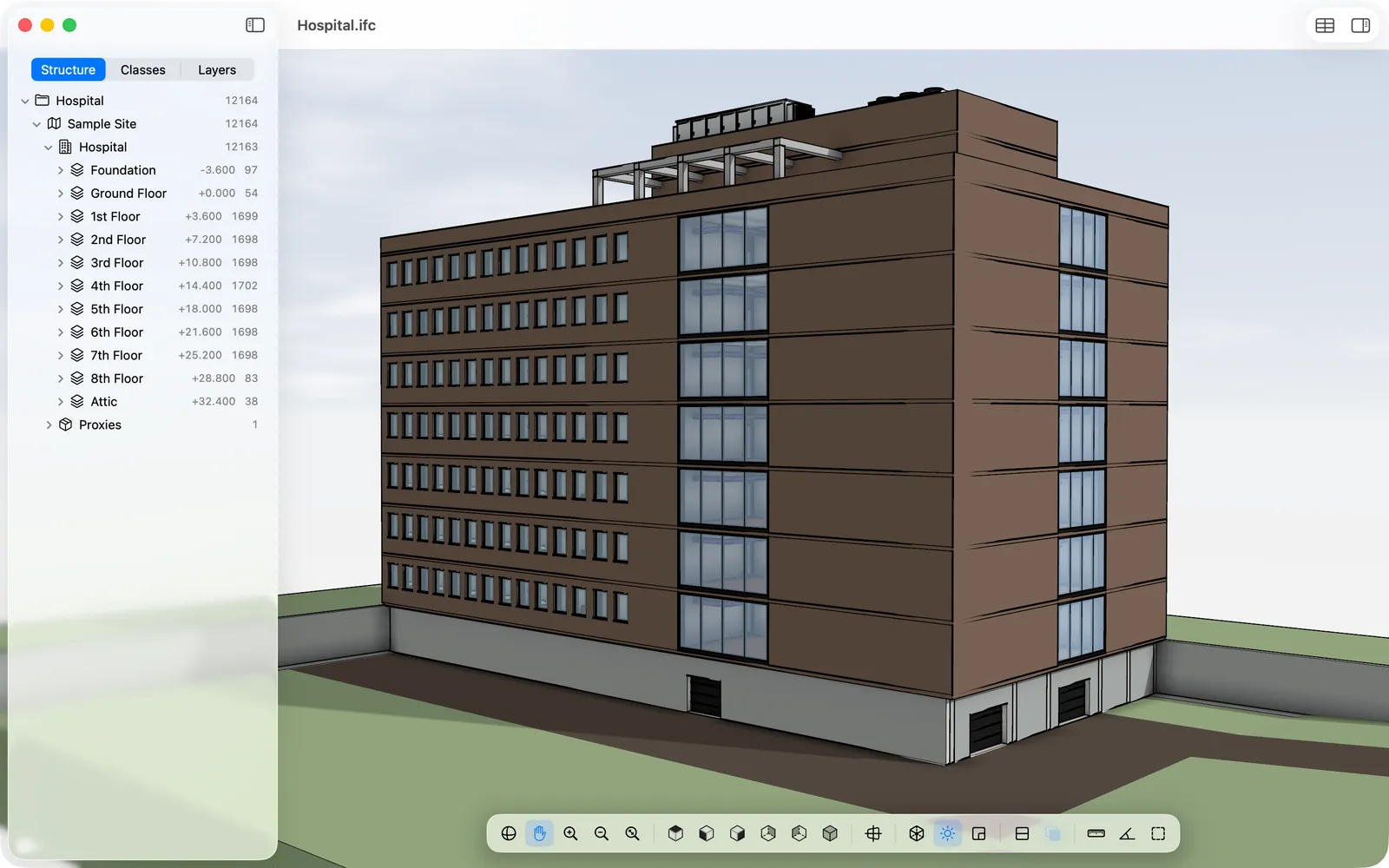
Looks like a building, not a debug view.
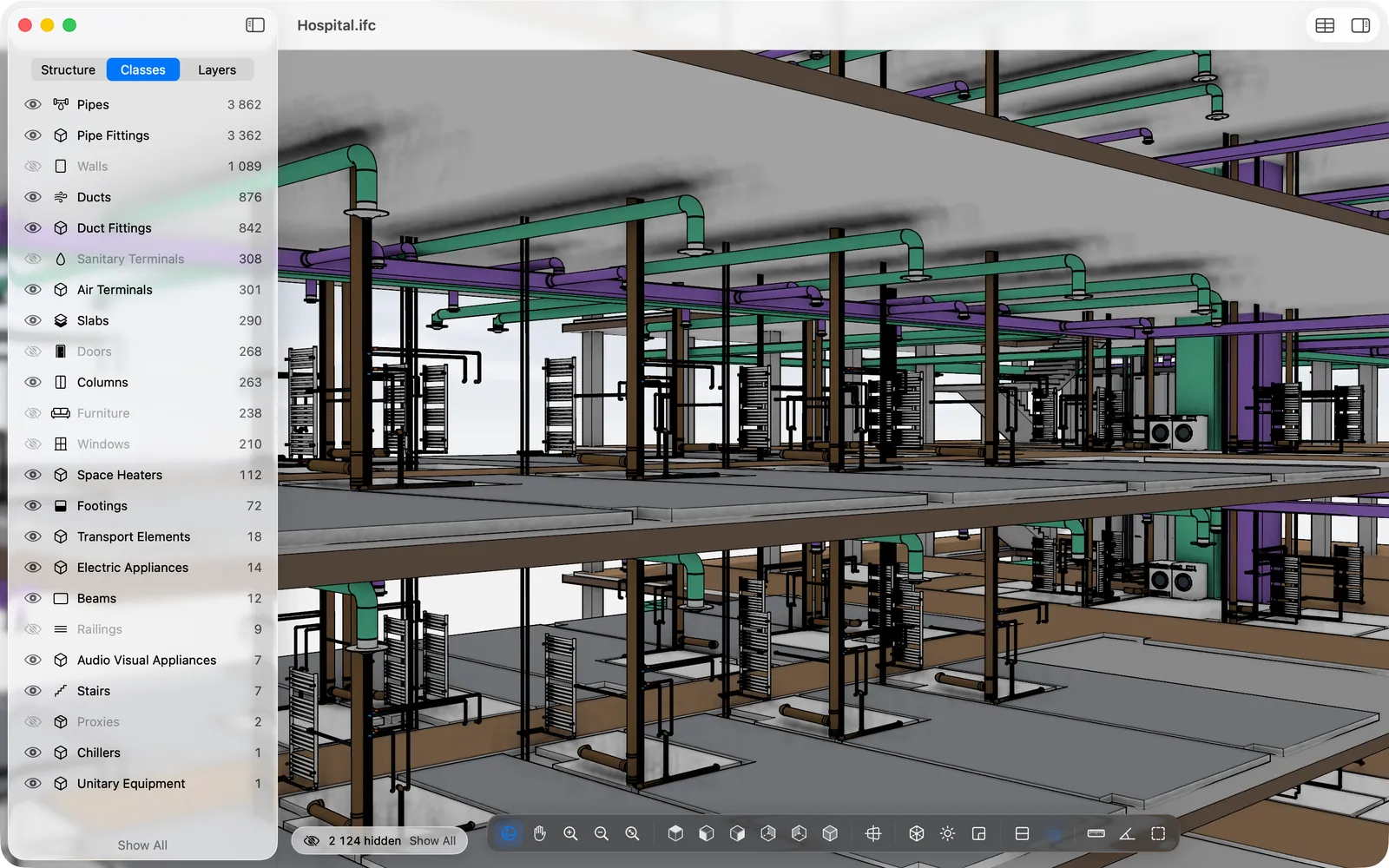
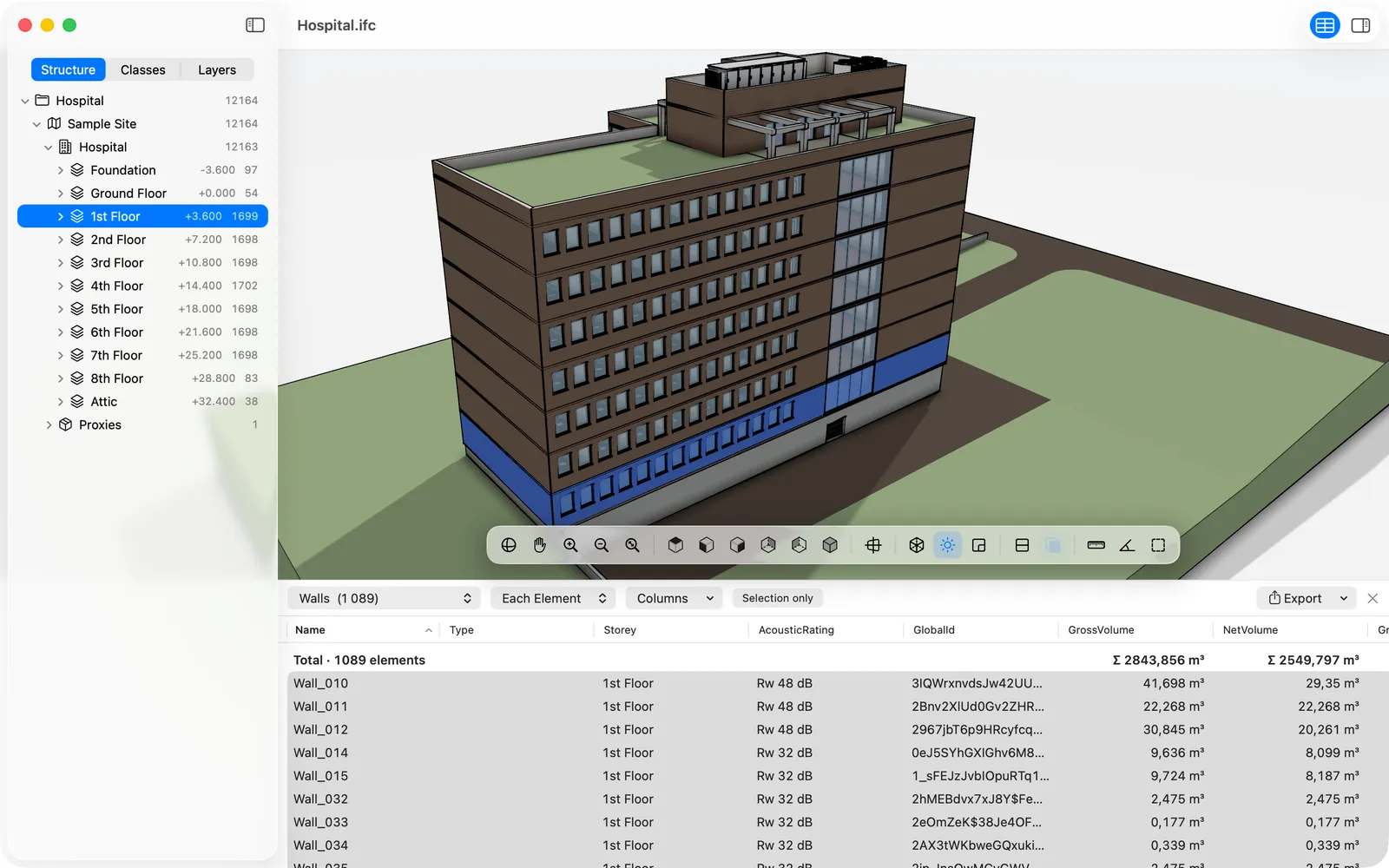
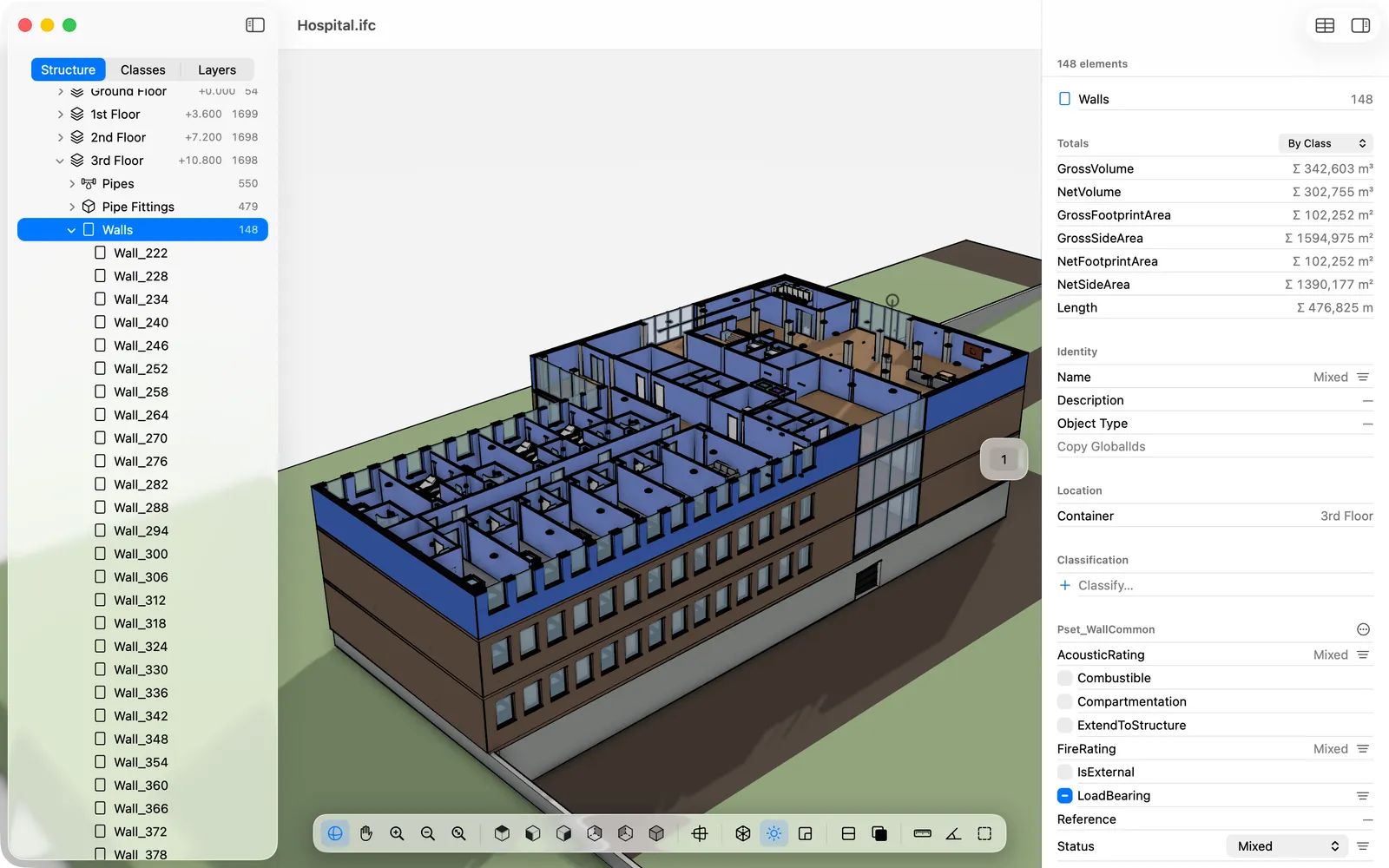
Clean outlines, soft shadows, transparent glass and filled section cuts. Rooms show as transparent volumes, and X-Ray lets you see the services behind the walls.
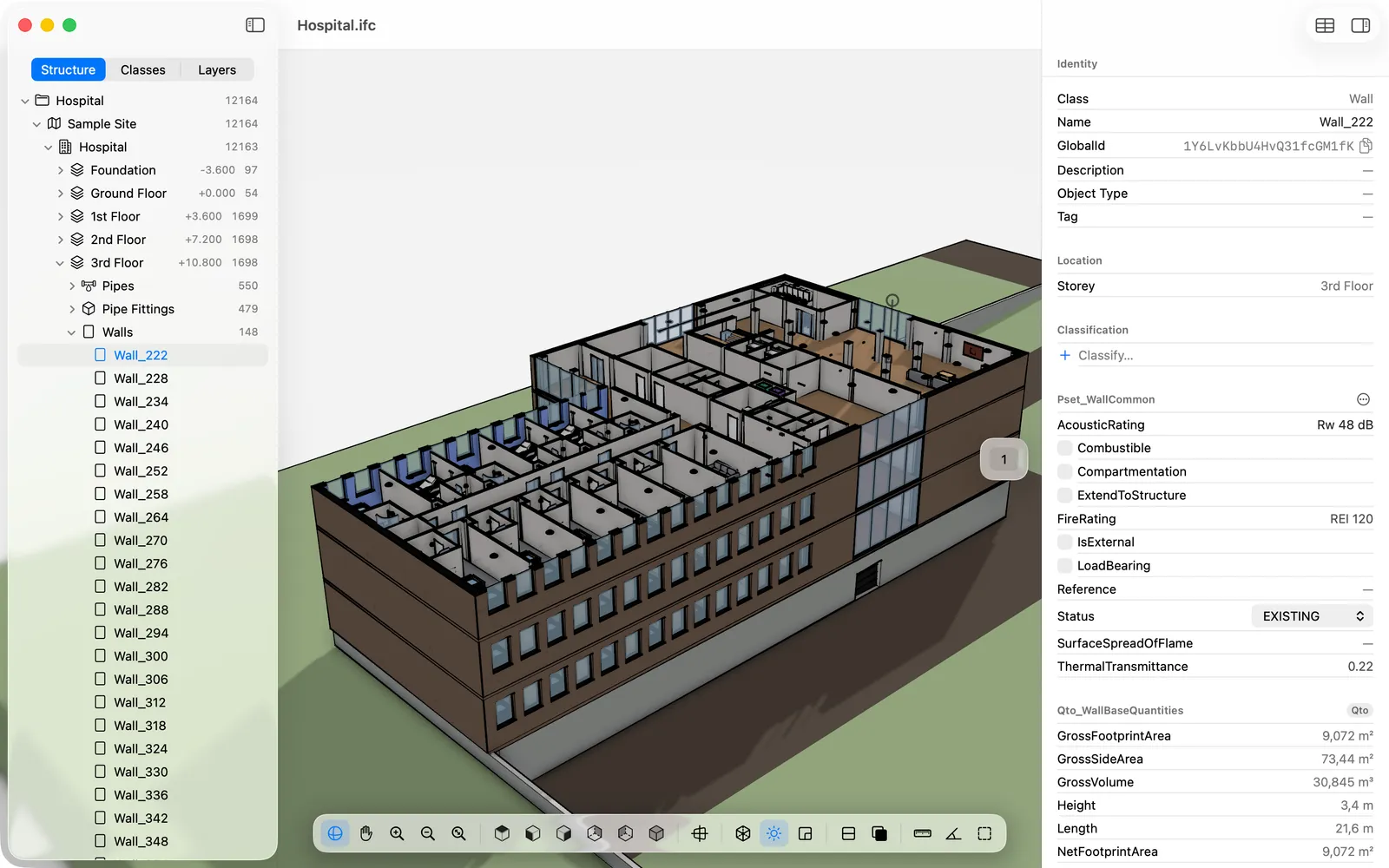
Free
Everything you need to check a model. Free.
- Opens IFC4, IFC4.3 and IFC2x3; large models load progressively
- Site, building, storeys and elements; show, hide and isolate by class, layer, storey or selection
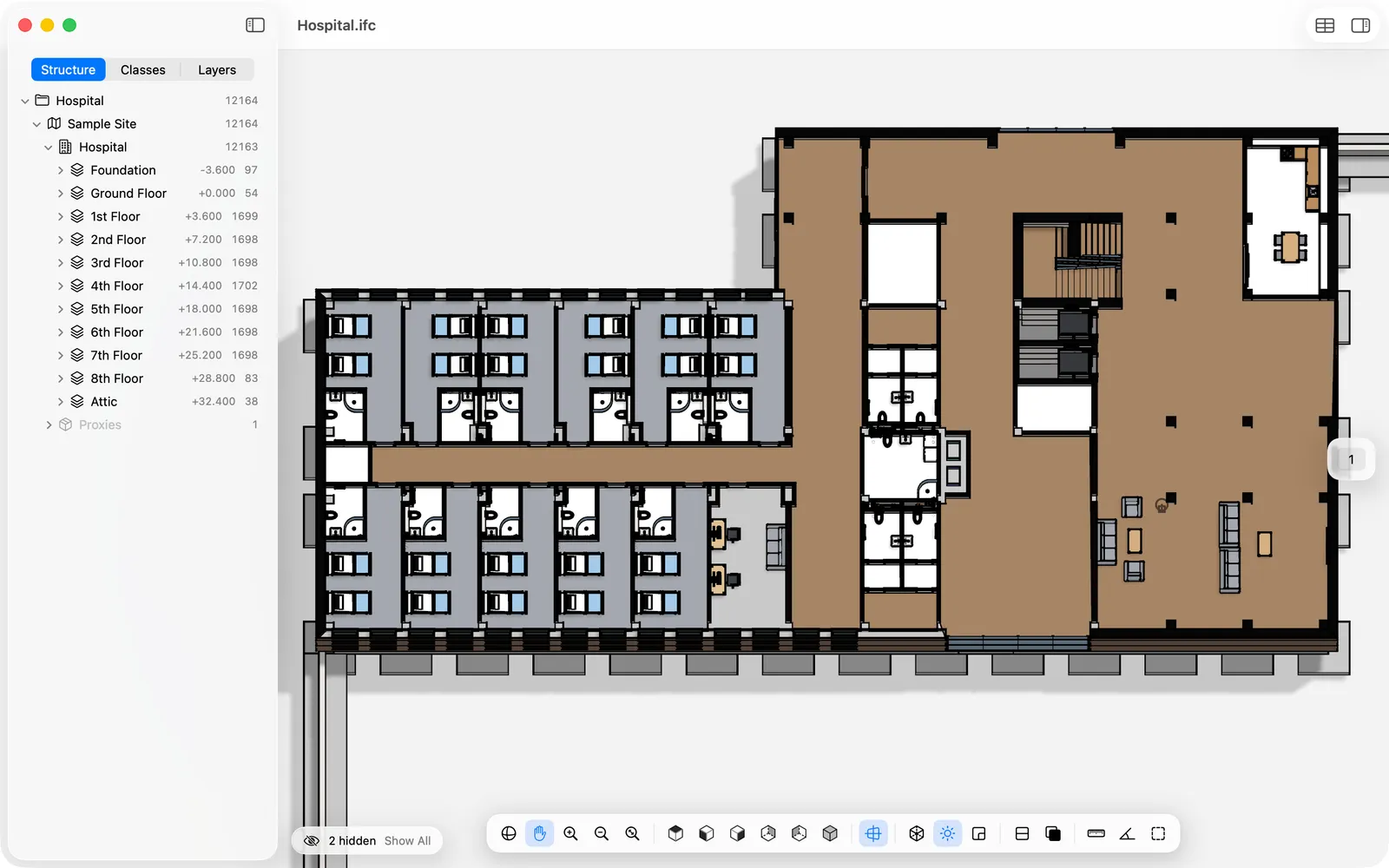
- Section planes and storey floor plans
- Measure distances, angles and areas with snapping
- Inspector with attributes, property sets, quantities, materials and classification
- Totals for any selection, and schedules by class, storey, type or material
- Several models in one window: architecture, structure and MEP together
- Reloads automatically when you export the file again
Pro
Fix the data where it lives: in the IFC file.
- Edit names, descriptions, tags and property values
- Change many elements at once
- Add property sets, properties and classifications
- Set the status of elements: new, existing, to be demolished
- Export schedules to CSV and Excel
- Saves only what you changed. Everything else in the file stays exactly as it was.
Free to view. Pro when you need to edit.
- Free
- View, check, measure, schedules.
- Pro
- €69.99 a year or €7.99 a month, with a two-week free trial for new subscribers. Sold through the Mac App Store.
Works with IFC from the tools you already use.
Archicad, Revit, Vectorworks, Archeform BIM for SketchUp and other BIM tools that export IFC.
Your models never leave your Mac.
No sign-up, no cloud, no tracking. The app sends nothing anywhere and collects no personal data. Details in the privacy policy.
- Do I need a BIM licence to use it?
- No. Viewing is free and needs nothing else. Anyone you send an IFC file to can open it.
- Which Macs does it run on?
- Macs with Apple silicon (M1 or later) and macOS 26 or later.
- Does it change my file?
- Only when you edit with Pro, and then only what you changed. The rest of the file stays exactly as it was.
- Can I edit IFC2x3 files?
- IFC2x3 files open read-only. Editing works on IFC4 and IFC4.3.
More answers on the support page.
Open your next IFC on a Mac.
Coming soon to the Mac App Store